Your AI Receptionist: Answers Customers 24/7 and Turns Questions Into Bookings
Most people who visit a small business website have one question before they come in, call or order. The AI receptionist answers it at any hour, in their language, then moves them to the next step: book, order, visit or leave a number. Here is exactly what it does.
Open 24 hours, even when you are closed
People look you up late at night, on a Sunday, or while you are busy with a customer. The chat on your site answers them straight away, in the language they write in. No question is lost because the shop was closed or the phone was ringing.
It answers from what it knows about your business: your Google listing, the text on your site, your reviews and the notes you add. When the answer is not there, it says so instead of guessing.
What customers can ask it
- Opening hours
- Your menu, services and the prices you have published
- Offers you have set yourself
- Address, directions and parking
- Payment methods, Wi-Fi and accessibility
- Bookings, orders, cakes and events
It stays on your business. Questions about anything else get a polite reply that it can only help with your business, and it never gives medical, legal or financial advice. If someone asks whether it is a person, it says honestly that it is your AI receptionist.
It helps you sell
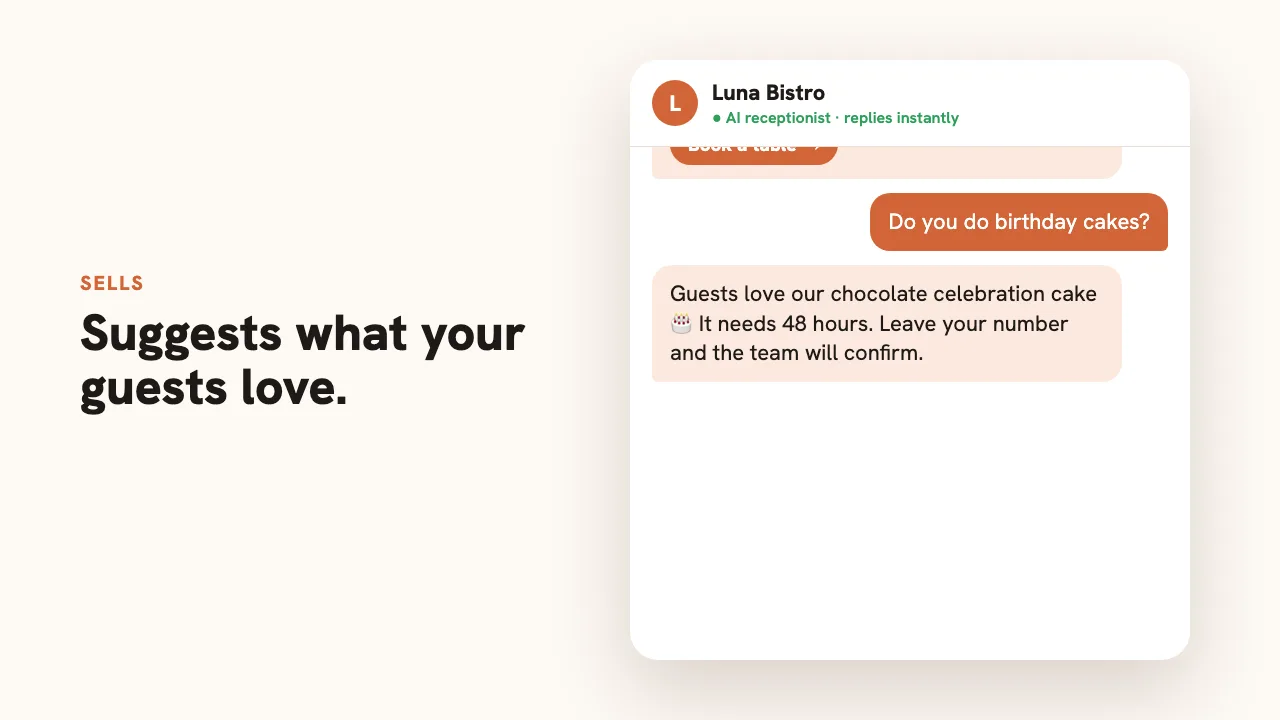
A good receptionist does more than answer. It points people to what is worth having. Yours knows your most popular items and what customers praise in your reviews, so "what do you recommend?" gets a real answer, taken from your own customers’ favourites.
You can steer it with rules written in plain sentences, for example: "When someone asks about a birthday, suggest our celebration cake and say it needs 48 hours." It mentions discounts and offers only if you wrote them down.
Bookings and orders
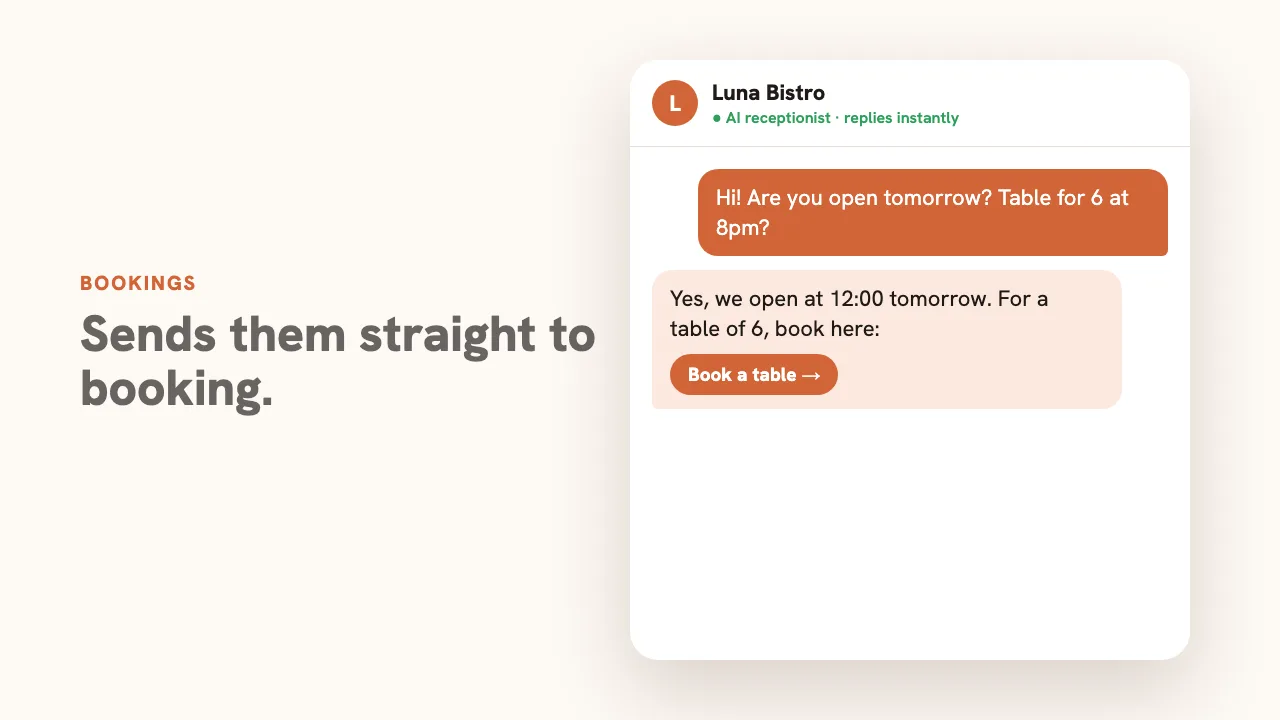
When a visitor wants to book or order, the receptionist sends them to the right place: your booking link, your online ordering pages, your menu or the booking form on your site. If you have none of these, or the request needs you (a large group, a custom quote, a change to a booking), it asks for their name and phone number or email so you can confirm.
It does not write into your calendar or promise a time on its own. Availability is your decision, so it never invents it.
Every lead lands with you
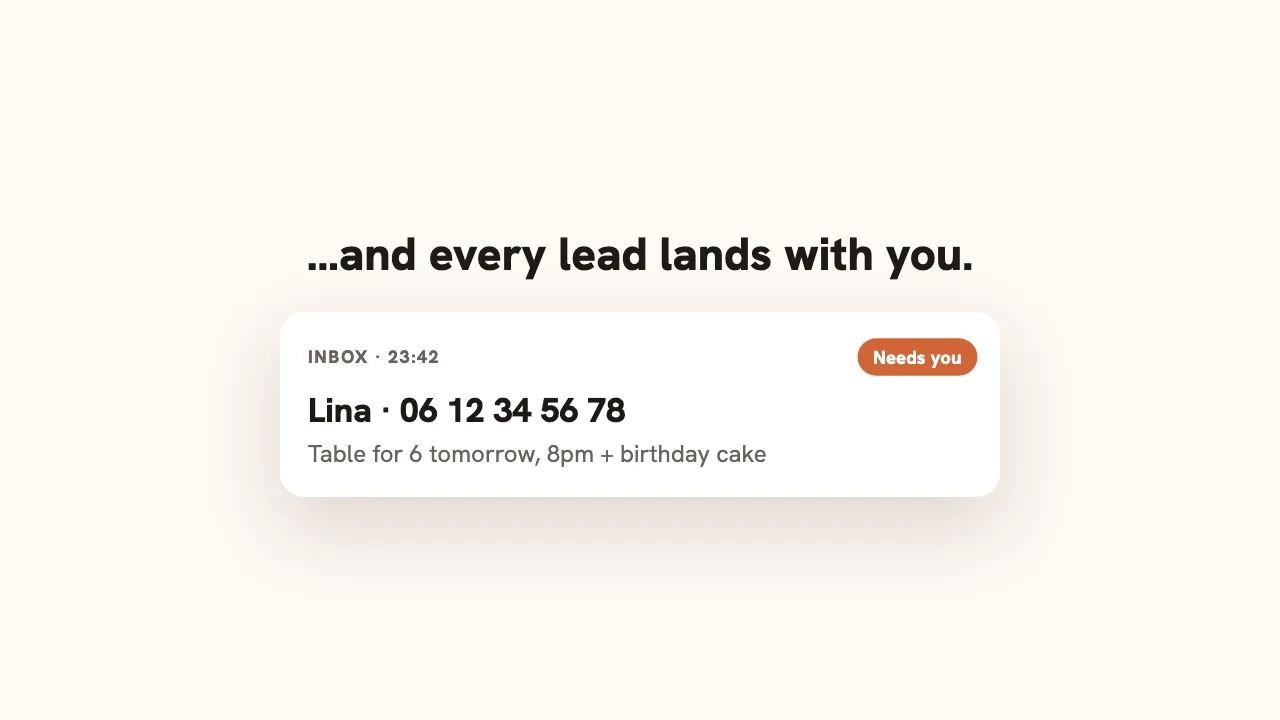
Every conversation is saved in your dashboard inbox. Chats where the visitor left contact details, or where the receptionist could not answer, are marked as needing you, with the whole conversation, so you call back already knowing what they want.
The questions are useful on their own: if five people ask whether you take cards, add it to your site.
Set it up in a few minutes
- Name and tone. "Mia, warm and brief" or "Reception, formal".
- Notes. Facts that are not on your listing: parking, allergies, languages spoken, delivery area.
- Rules. "When X, say Y" for your most common situations.
- Switch it on. It appears on your site straight away, and you can turn it off at any time.
The receptionist is part of blasa Pro, which you can try free. Open Your AI Receptionist in your dashboard to switch it on. Not on blasa yet? Build your free site from your Google Maps link first. For the limits in more detail, read what an AI receptionist does and doesn’t do.
Questions people actually ask
Does it work at night and on weekends?
Yes. It answers at any hour, every day, including when your shop is closed. It replies in the language the visitor writes in.
Can it take bookings?
It sends visitors to your booking link, your online ordering pages or the booking form on your site. When a request needs you, it takes their name and phone number or email so you can confirm. It does not write into your calendar or promise a time slot itself.
Will it make up prices or discounts?
No. It answers only from your business facts and your notes. A percentage or promo code that is not in your facts is blocked before the visitor sees it.
Does it answer phone calls?
No. It is a text chat on your website. Keep your phone number and call button on the page for people who prefer to ring.
How do I know when a customer needs me?
Every chat is saved in your dashboard inbox. Chats where the visitor left contact details, or where the receptionist could not answer, are marked as needing you.